


Remote Access
Follow these instructions to access your remote desktop:
1. Enter your username and password and click Logon
.png)
2. You will need to have the Microsoft Authenticator app set up on your phone to retrieve a one-time code generated in the app. This app is also used for multifactor authentication (MFA), which must be in place prior to using the new remote access method. If you have not already done so, please follow the MFA steps listed here.
2. a) When you open Microsoft Authenticator app on your smart phone (or tablet), select the City of New Westminster profile with a gray badge next to it
.png)
2. b) Tap the profile above to retrieve your one-time password code
.png)
3. Once you have the app and your one-time code ready, click "Ready"
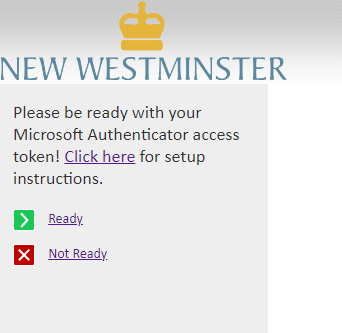
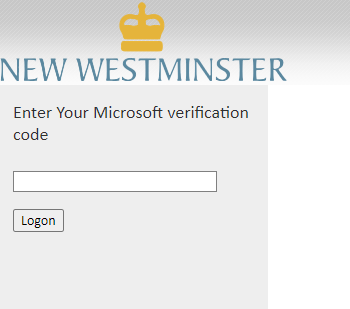
4. You'll then be asked to enter the code on your phone
5. This will bring you to the Terms and Conditions agreement
.png)
6. You will now be able to access your desktop remotely
.png)